The receptionist sits in the calendar all day. A white screen in the evening hurts the eyes, especially if the studio runs dim lighting. Dark theme is not a “feature for the checklist”, it is a switch in the dashboard header.
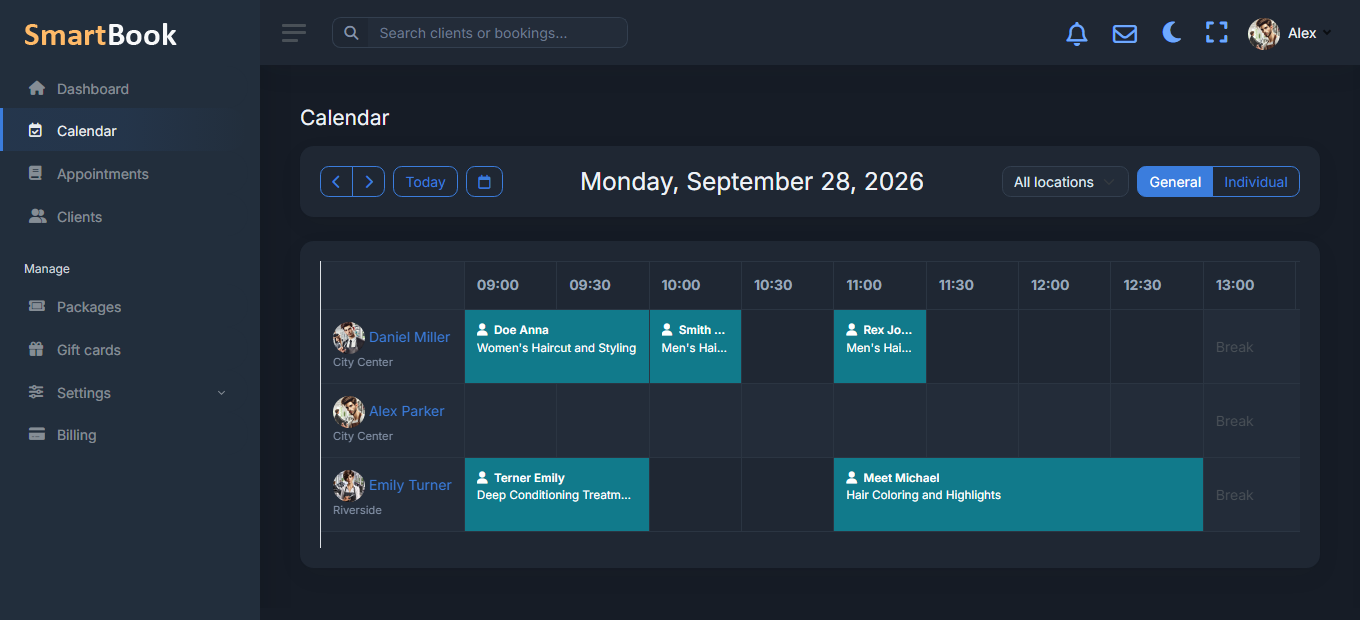
The theme is saved for the user. Tomorrow they open it from the same browser — dark again. It does not apply to the public booking page: the client sees your landing page as you set it up, without a surprise that “at night the site is black”.
Where it is switched
An icon in the top bar of the dashboard, next to notifications and the profile. You do not need to buy a separate “dark theme pack”. If something in a rare window looks washed out — that is a reason to write to support, not to go back to white forever.
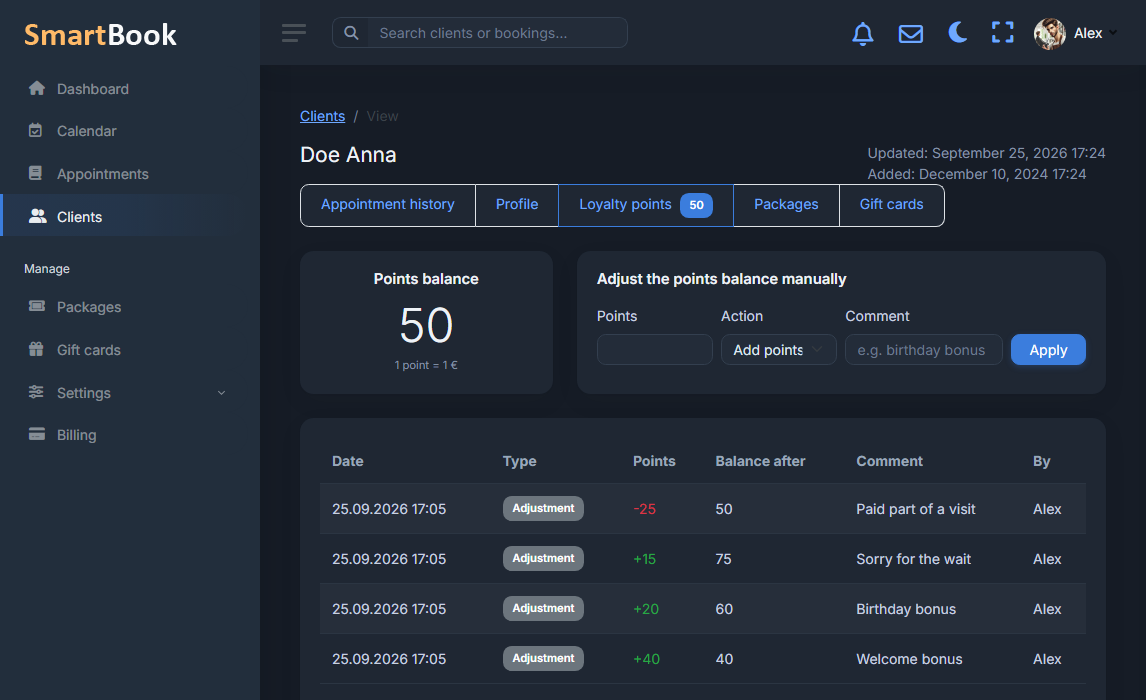
Staff can sit in different themes: this is a personal switch, not a company-wide order.