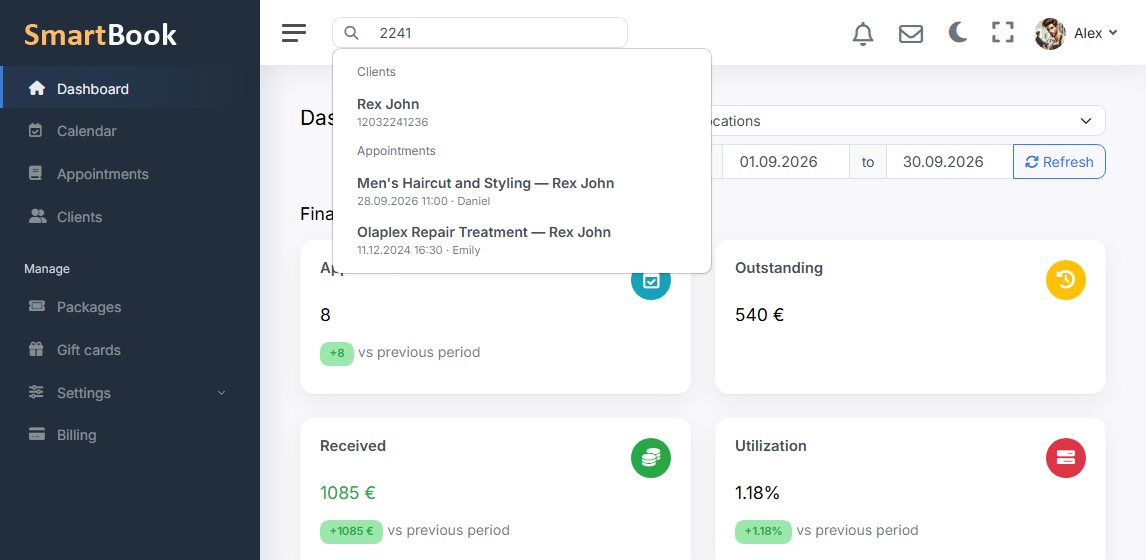
A call: “this is Maria, you booked me for the evening”. Opening clients, then the calendar, then clients again — a minute, and the client is already irritated. Search in the header looks at once: people’s cards and appointments.
The field is always at the top, on any dashboard page. Type three letters or a piece of a phone number — a list. Open the card or jump to the visit. This is not a separate “analytics module”, it is speed at reception.
What it can find
- Clients by first name, last name, phone, email — as stored on the card.
- Appointments, so you do not scroll the day if the person says “the one on Friday”.
Search does not show other companies. A staff member with limited rights sees what they are already allowed to see in the dashboard, not the whole database “because the string matched”.
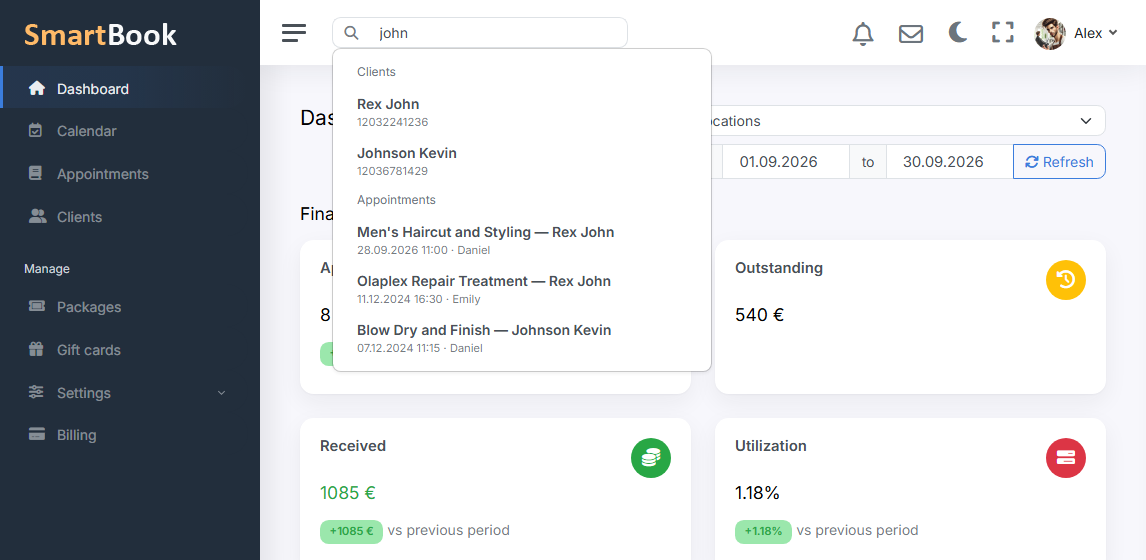
How to use it without a manual
You do not need to memorise syntax. You type it as you hear it: “Ivanov”, “050”, “Anna”. If there are many results — you narrow it. If there is nobody — maybe the card was filed under a maiden name; that is already about database discipline, not about search.