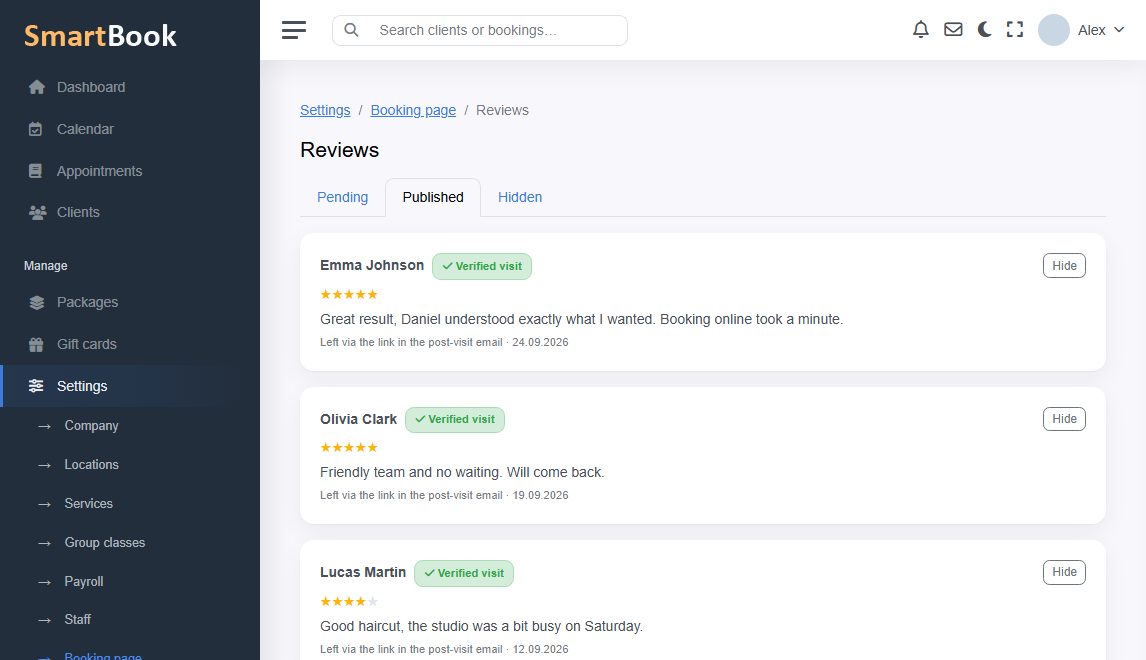
Asking for a review at reception is awkward. Writing to everyone in DMs gets forgotten. A normal option: some time after the visit the person gets a link and leaves a rating while they still remember how the color sat.
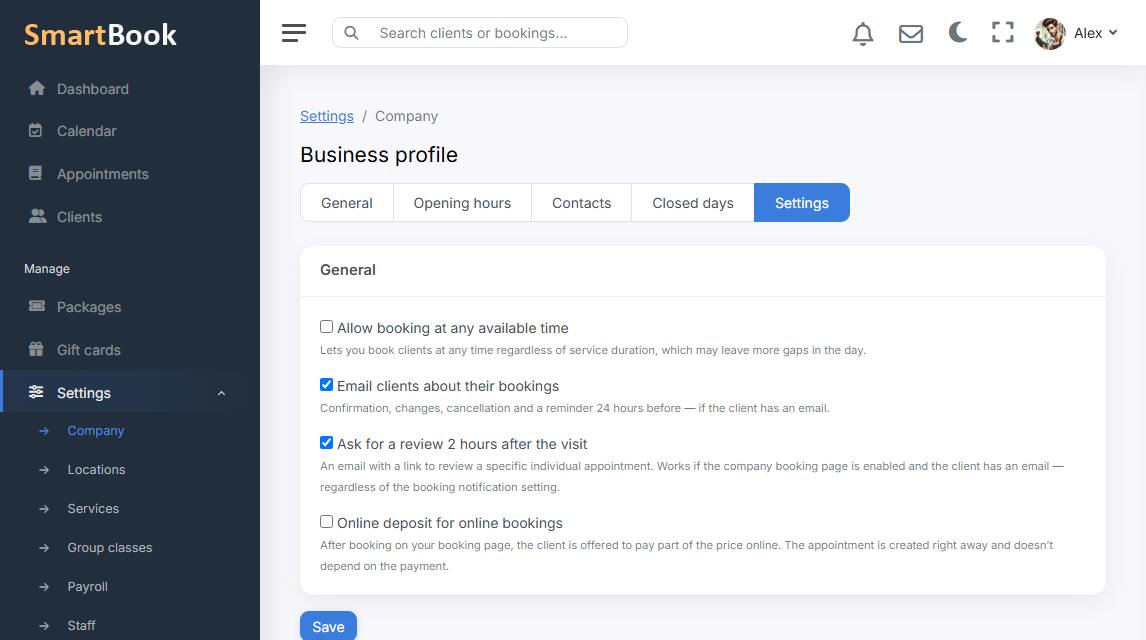
In SmartBook a review request can be turned on in settings. The link is tied to the visit, not “leave an opinion about the universe”. On the landing page reviews collect in a block that new clients see before they book. The system does not invent fakes out of thin air — only what was sent in after a request, or what you left through the studio’s own process.
Why wait after the visit
Right at the door the person is in a hurry. In the evening or the next day they will more calmly write two sentences. The delay is used so the email does not arrive while the client is still in the chair.
- A rating on a clear scale.
- A short text, if they want.
- A tie to the company and the visit, so specialists are not mixed into a pile without need.
How not to turn this into spam
Do not send a request after every micro-visit if you have ten short services a week on one person — set a sensible interval. A bad review is better read than hidden: it is a reason to call, not to turn the module off.