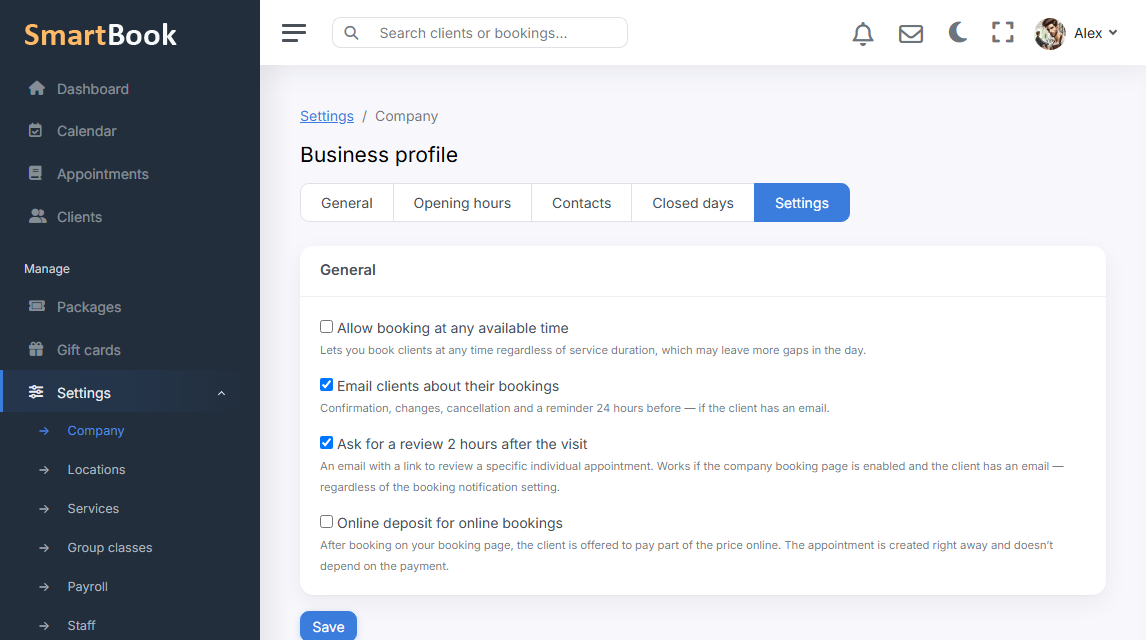
The client booked in the evening from the sofa. In the morning they already do not remember what time it was. An email with the date, the service, and the address is a cheap way not to lose the slot. In SmartBook those emails are not assembled by hand: a booking scenario fired — a notification went out, if the channel is on.
This is not marketing. A campaign “come in March” lives in the campaigns section. Here it is only events around a specific appointment: created, reminded, cancelled. Mixing the tone is not worth it — otherwise a promo email looks like yet another “you are booked for Tuesday”.
What emails there are
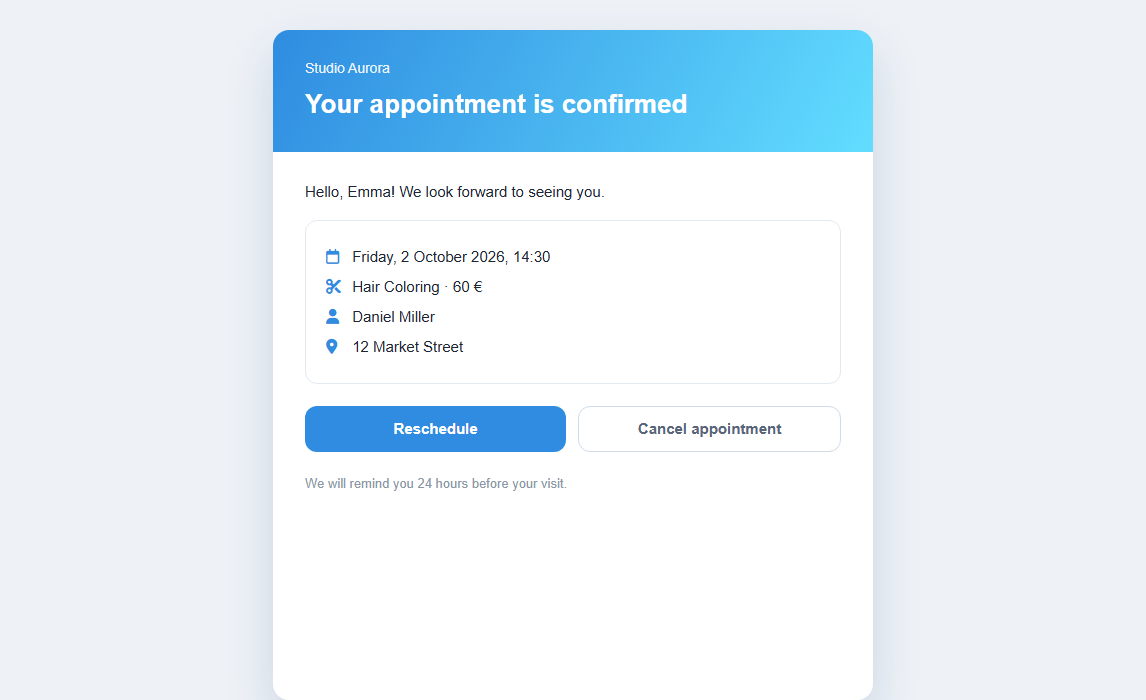
- Appointment created. So the person can keep the time in their inbox instead of screenshotting the calendar.
- Reminder. Closer to the visit, while there is still time to reschedule rather than simply not show up.
- Cancellation. So the client does not drive to a window that is already free, and you do not catch an angry call.
The copy is tied to the appointment data: service, staff member, time. The location address is pulled in if there are several branches and the booking is with a specialist at a specific location — the client will not drive to the company’s old address.
Turning it on
A switch in company settings. Turn it off — no emails, appointments go on as they did. It makes sense to keep the channel on even if the main messenger is different: not everyone has WhatsApp, and email is still read from work.