For many salons and independent professionals, Instagram is the main source of new clients. Someone sees your work, opens your profile and wants an appointment. From here, everything depends on how easy that is. If they have to send a DM and wait for a reply, some of them will book wherever there's a "Book now" button instead.
Here's how to set up bookings through Instagram so that no requests get lost.
Why booking via DMs doesn't work
- the reply comes an hour later or in the evening - by then the client has booked elsewhere;
- one appointment takes 5-10 messages back and forth;
- messages get buried among other chats, especially when several people write at once;
- the front desk replies from memory and may give away the same slot twice.
An online booking link solves all four problems: clients see free times and book in a minute, even at night.
Step 1. Get a link to your booking page
You need a page where clients choose a service, a staff member and a time. In SmartBook it's created automatically once your services and working hours are set up - your own booking page with your logo, prices and reviews.
Step 2. Add the link to your profile
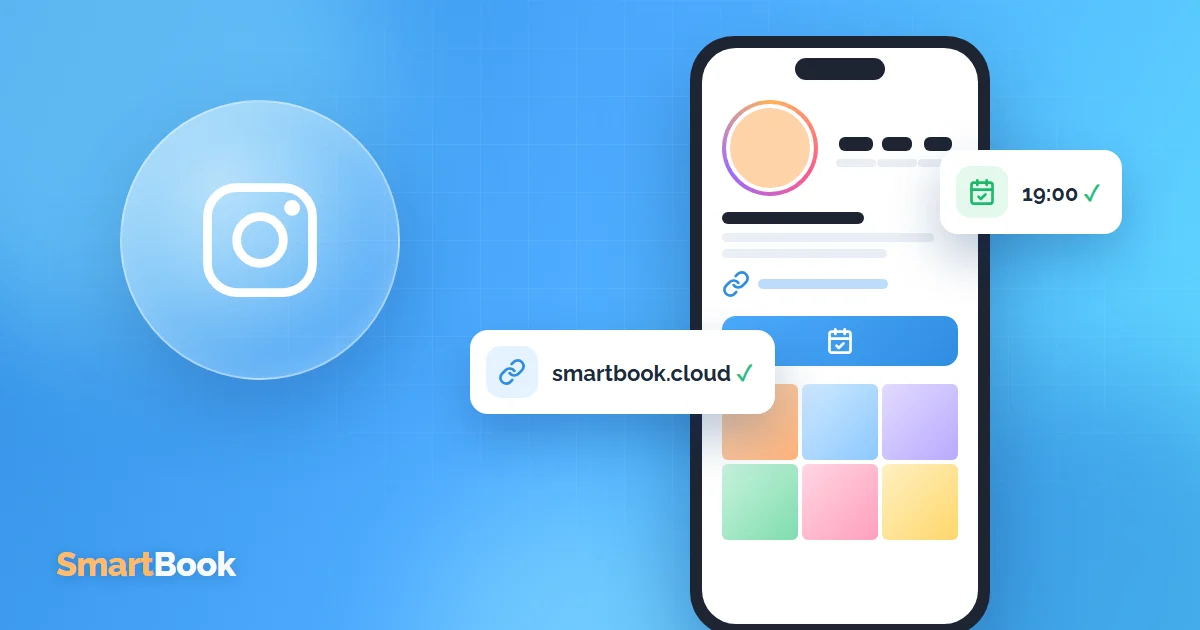
You can add a link in your Instagram profile settings. Enter your booking page address there. If you have several links, put the booking link first: it's the main reason people visit your profile.
Add a short hint to your bio, for example: "Book online 24/7 - link below". Many people don't notice the link until you point it out.
Step 3. Use the link in Stories and Highlights
- Stories have a link sticker. Use it when you post the week's free slots.
- Create a "Book now" Highlight with short instructions and the link.
- Under posts showing your work, mention that people can book via the link in your profile.
Step 4. A quick reply for DMs
Messages will still come in. Set up a quick reply with the link: "Hi! You can see free times and book here: [link]. If you have any questions, just write to us." That way the client gets the link instantly, and you only answer real questions.
Step 5. Check it on your phone
Almost all visits from Instagram come from phones. Open the link on your smartphone and go through a whole booking. Are the prices right, do staff members have photos, do the free times match the real schedule?
What else brings more bookings from Instagram
- Reviews on the booking page. New clients want to see that others were happy. Turn on review requests after the visit, and reviews will come in on their own.
- Reminders. People who booked "in passing" through social media are more likely to forget. Automatic reminders by SMS or WhatsApp help.
- Clear service names. "Cut + blow-dry, 1 hour" is clearer than "Beauty package 2".
Summary
A booking link on Instagram is the quickest way to stop losing clients in chats. Setting it up takes an evening, and you'll see the effect in the first week: bookings come in without the front desk, even at night and at weekends.
Create your booking page in SmartBook for free and add the link to your profile today.
FAQ
Can I use a booking link without having a website?
Yes. The SmartBook booking page works on its own, you don't need a website.
What if clients still send DMs?
Send them the link with a quick reply. Over time, regulars start booking on their own.
Is there a separate link for each staff member?
Clients choose the staff member on the booking page. Anyone with their own Instagram profile can share the same link and ask clients to select them.