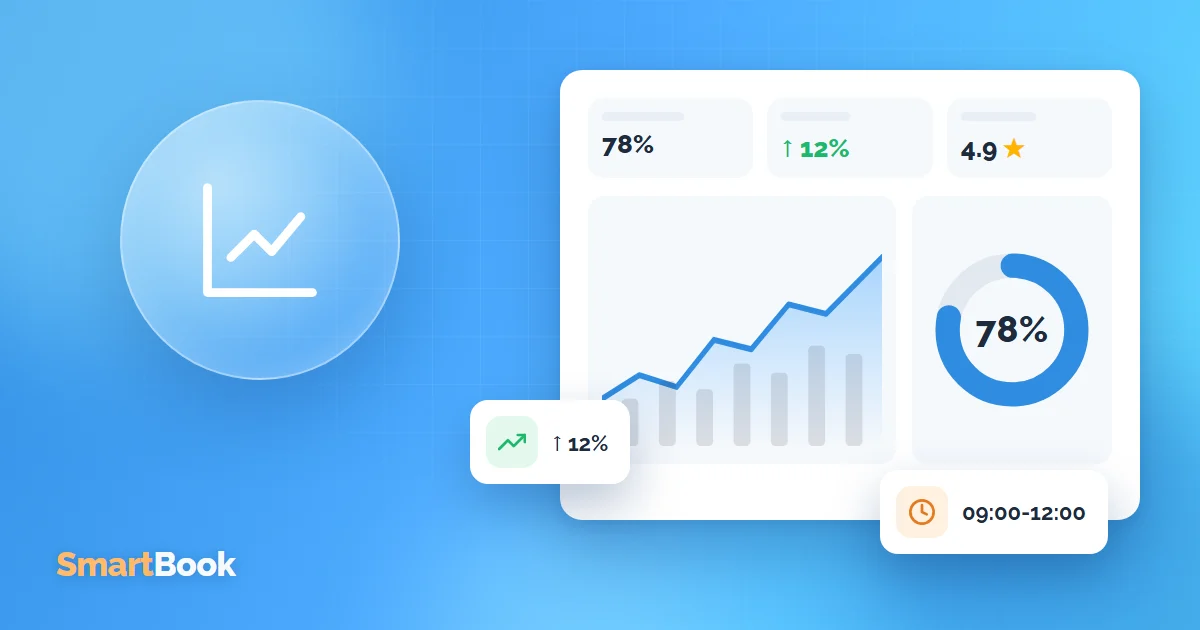
Many salon owners look at just one number: monthly revenue. It matters, but it says little about what's actually happening in the salon: why this month is lower than last, who is overloaded and who is waiting for clients, and where clients are drifting away to.
Here are the reports worth checking regularly and the decisions they lead to.
1. Staff workload
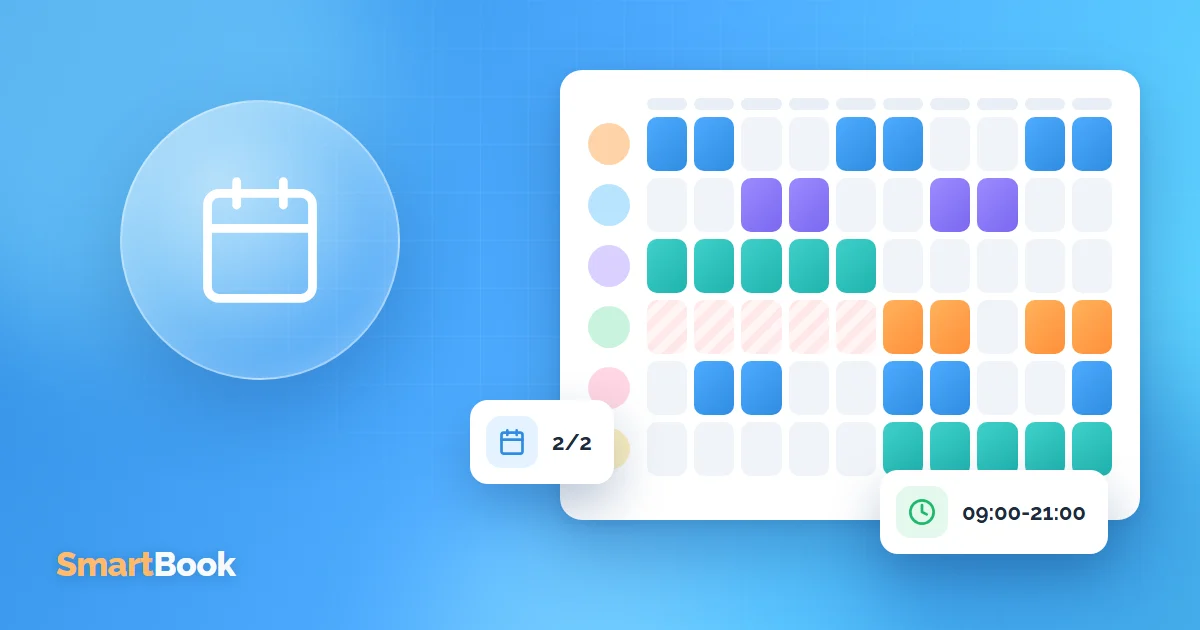
Workload shows what share of their working time a staff member actually spends with clients. If she works 8 hours and has appointments for 4, her workload is 50%.
- Low workload is a reason to take a closer look: new and without regulars yet, inconvenient working hours or quality issues.
- Workload close to 100% means clients can't get an appointment and go elsewhere. Maybe it's time to raise prices or add another person to the team.
Look at workload not only per person but also by weekday and time of day. Weekday mornings are often almost empty while evenings are overbooked. See workload and efficiency analysis.
2. Revenue and profit by service
Not every service is equally profitable. A long treatment with expensive materials may earn less than two short ones. The by-service report shows what to promote and what to reprice.
More under profit tracking.
3. Returning clients
How many clients come back? If new clients come once and never again, the problem isn't your advertising - it's the service or the result.
RFM analysis shows this clearly: how many regulars you have, who hasn't visited in a while and who brings in the most revenue.
4. No-shows and cancellations
How many appointments this month ended in a no-show or a last-minute cancellation? In hours and in money. If the number is noticeable, reminders, rescheduling via link or a deposit help. See no-show tracking.
5. Booking sources
What share of bookings comes in online, and what share through the front desk? More online bookings mean fewer phone calls and more bookings at night and at weekends.
How often to check your reports
- Weekly: next week's workload and free gaps that can still be filled.
- Monthly: revenue, workload per staff member, no-shows.
- Quarterly: retention rate, prices, pay scheme.
What to do with the numbers
A report is only worth it if something happens afterwards. A few examples:
- mornings are empty - introduce a morning discount or shift working hours;
- one person is overloaded - raise prices for their services or redistribute clients;
- lots of no-shows - turn on deposits for evening appointments;
- clients don't come back - collect reviews and find out what went wrong.
Summary
Five reports - workload, profit by service, retention, no-shows and booking sources - give owners a complete picture. What matters is that the data comes automatically from bookings instead of being collected by hand at the end of the month. Try SmartBook for free and see the reports with your own data.
FAQ
Do I need to enter anything manually for the reports?
No, as long as all appointments and payments are recorded in the system. The reports are generated from them automatically.
Can I compare periods?
Yes, reports can be generated and compared for any period.
What about multiple locations?
Reports can be viewed per location. More under multiple branches.