The staff rota affects everything: how many clients the salon can take, how exhausted the team is and when chairs sit empty. Yet in many salons the rota is still put together in a group chat or on paper and then copied into the appointment book by hand.
Here are the common working-hour patterns and how to build a rota that works for both the team and clients.
Common working-hour patterns
Five-day week
The classic pattern with two days off. Suits the front desk and staff with a fixed routine. The downside for the salon: on Saturdays, when demand is highest, fewer people are working.
Rotating 2/2 or 3/3 schedule
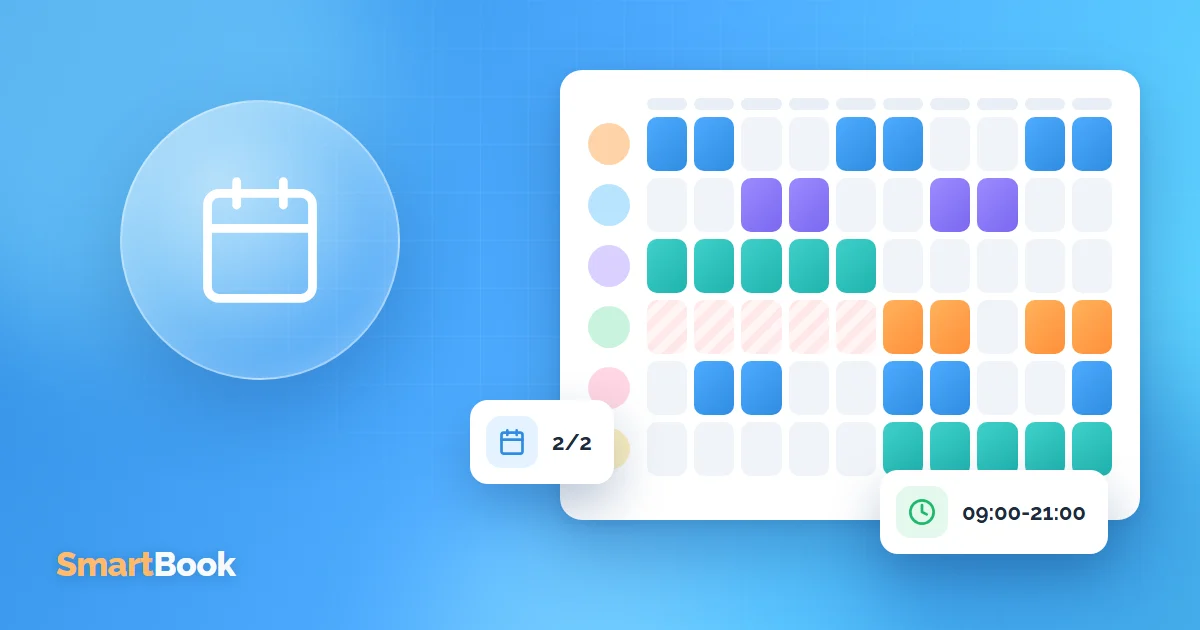
Two days on, two days off. Popular in salons with long opening hours, for example 9 am to 9 pm. The salon is open every day, and the team gets enough rest.
Individual schedules
The staff member works on chosen days and times, for example only evenings during the week and all day on Saturday. Common for part-timers or people still in training.
Shifts
Morning and evening shifts with a handover in the middle of the day. This lets the salon stay open 12-14 hours without overtime.
How to build a rota that works
- Check demand. On which days and at what times do most bookings come in? Usually weekday evenings and Saturdays.
- Cover peak times. That's when most people should be working.
- Take the team's wishes into account. A rota nobody wants to work won't last long.
- Plan holidays early. So that two key people aren't away at the same time.
Why the rota belongs in your booking system
When the rota exists separately from bookings, mistakes happen: a client gets booked with someone who's off, or online booking shows times when nobody is there anymore.
If the rota lives right in the system, online booking shows only genuinely free times. SmartBook has:
- individual working hours - by weekday, shift or specific dates;
- holiday and time-off planning - sick days and days off close booking instantly;
- a shared team calendar - you can see who works when.
Signs of a bad rota
- at some times you're short-staffed, at others the team sits around with no appointments;
- shifts are constantly being swapped and days off moved;
- clients complain that their favourite stylist "never has any free slots".
Workload analysis shows all of this: you'll see where to add hours and where to cut back.
Summary
A good rota follows demand and the team's wishes. To keep it in line with reality, it should live in the same system as your bookings. Try SmartBook for free and set up your team's working hours in 20 minutes.
FAQ
Can I set different schedules for different weeks?
Yes - by weekday, shift or specific dates.
What happens to appointments if someone gets sick?
Once the absence is entered, online booking closes for those days. Existing appointments need to be moved to another person or time.
Can staff see their own schedule?
Yes, everyone sees their working hours in their own account.