At a dance school, yoga studio or language school, booking works differently than at a salon. Clients don't book a free time with one person - they book a spot in a specific class. Spots are limited, the schedule repeats every week, and many people come with a class pass or membership.
If you run all of this through a spreadsheet and messengers, chaos follows quickly: someone books a full class, someone turns up without signing up, and passes are ticked off by hand. Here's how to organise class booking properly.
What a class needs in the schedule
- Name and level. "Salsa Beginners" and "Salsa Advanced" are different classes.
- Instructor and room. Especially if you have several rooms.
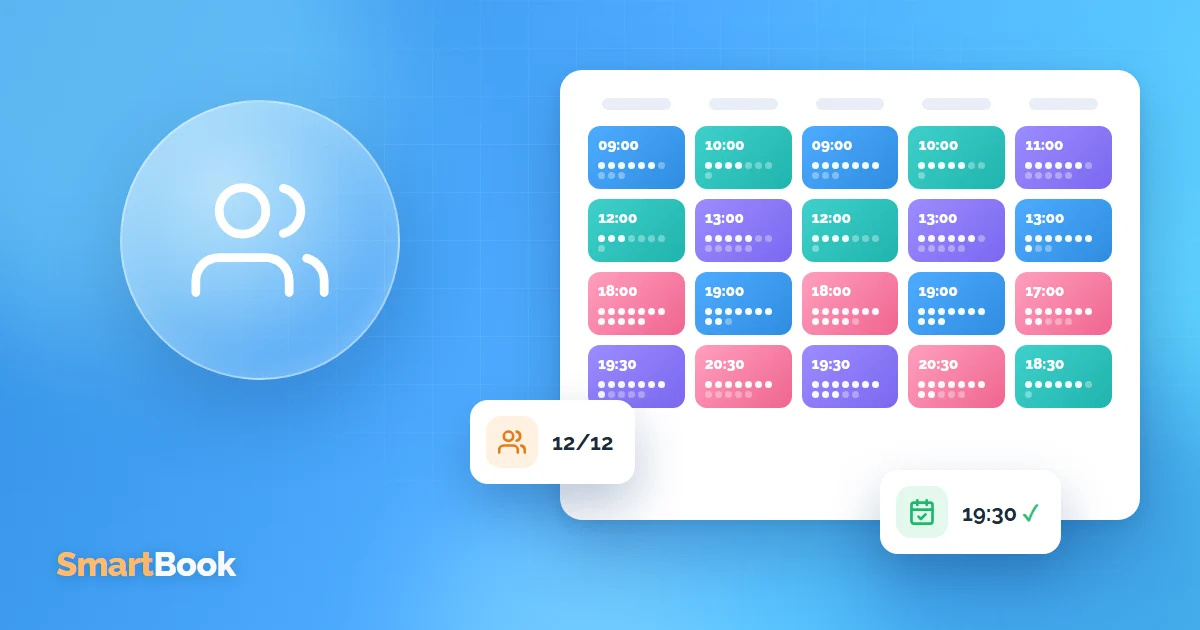
- Maximum number of participants. Once all spots are taken, sign-up should close automatically.
- Recurrence. A class every Tuesday and Thursday at 7 pm shouldn't have to be created again every week.
In SmartBook you set this up under group bookings: classes and one-to-one appointments share the same calendar, so nobody is scheduled in two places at once.
How clients book
Clients open the booking page, see the weekly schedule and free spots, choose a class and sign up. The front desk doesn't have to keep lists: it sees who is coming to which class.
It's handy when clients can cancel or reschedule themselves via the link in the reminder. Then the spot is freed up and can be filled again.
Passes and memberships instead of one-off payments
For classes, a package is the clearest format: 8 classes a month, a 10-class pass and so on. But counting remaining balances by hand is tedious and error-prone.
It's better when a class is deducted automatically at booking. In SmartBook this works through client packages: a package can include classes as well as regular services, for example a private lesson.
No empty spots because of no-shows
- a reminder the day before the class;
- easy cancellation via link;
- a clear studio rule everyone knows in advance: for example, cancelling less than 6 hours before counts as a used class;
- no-show tracking to see who misses classes regularly.
What to check in your reports
- Class attendance. If a class is consistently only 40% full, consider a different time or merging it with another.
- Popular times. Maybe evening classes are overcrowded and an extra class would make sense.
- Instructor workload. See workload analysis.
Summary
For studios with classes, three things matter: a schedule with capacity limits, online sign-up and automatic tracking of passes and memberships. When these work together, the front desk doesn't need lists, and clients can always see whether spots are still available. Try SmartBook for free and create your first class in 10 minutes.
FAQ
Can I combine group classes and private lessons?
Yes. Both are in the same calendar, and the system prevents an instructor from getting a private lesson during class time.
What happens if more people sign up than there are spots?
Once the limit is reached, online sign-up for that class closes automatically.
Does this work for a language school too?
Yes, the principle is the same: groups by level, a timetable, packages and private lessons.