No-shows eat a slot that someone else could have taken. A reminder helps, but the simplest filter is to ask for a small prepayment already on the landing page. People who are ready to leave a deposit usually show up. People who book “just in case” drop off on their own.
SmartBook can take a deposit in the public booking form through a connected payment system. Right now one payment system is connected to the product; for the client it is simply a step “pay the prepayment”, without extra brands in the copy.
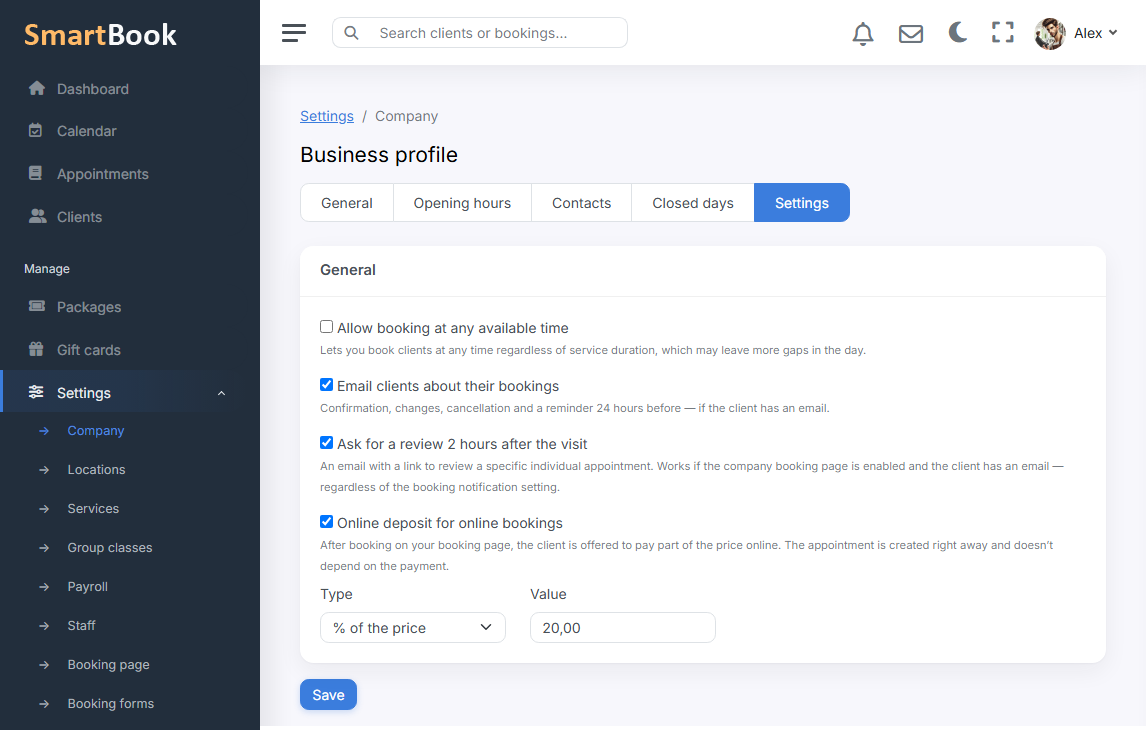
You set the amount: a fixed sum of money or a percent of the service. The calculation never jumps above the full price. You can turn the deposit on for high season and off in a quiet month — without rebuilding the landing page.
How this looks for the client
The person picks a service, a specialist, a time, leaves contacts — and sees an offer to pay a deposit. If they abandon payment, the appointment is still created. An “unpaid deposit” status stays on your card: you can write, call, or wait. A double booking on the same window does not appear because of this.
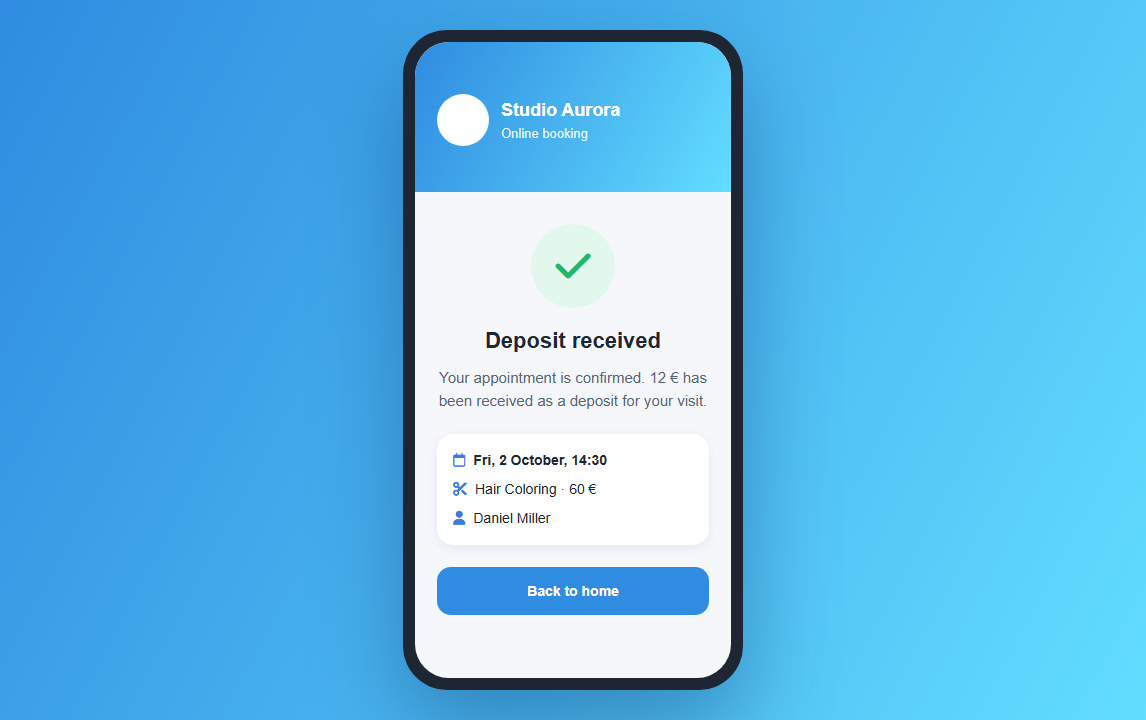
Deposit rules
- Fixed or percent. For example 10 € on all services, or 20% of the price.
- The ceiling is the service price. The deposit cannot cost more than the visit itself.
- On when you want it. A separate switch in company settings.
What the receptionist sees
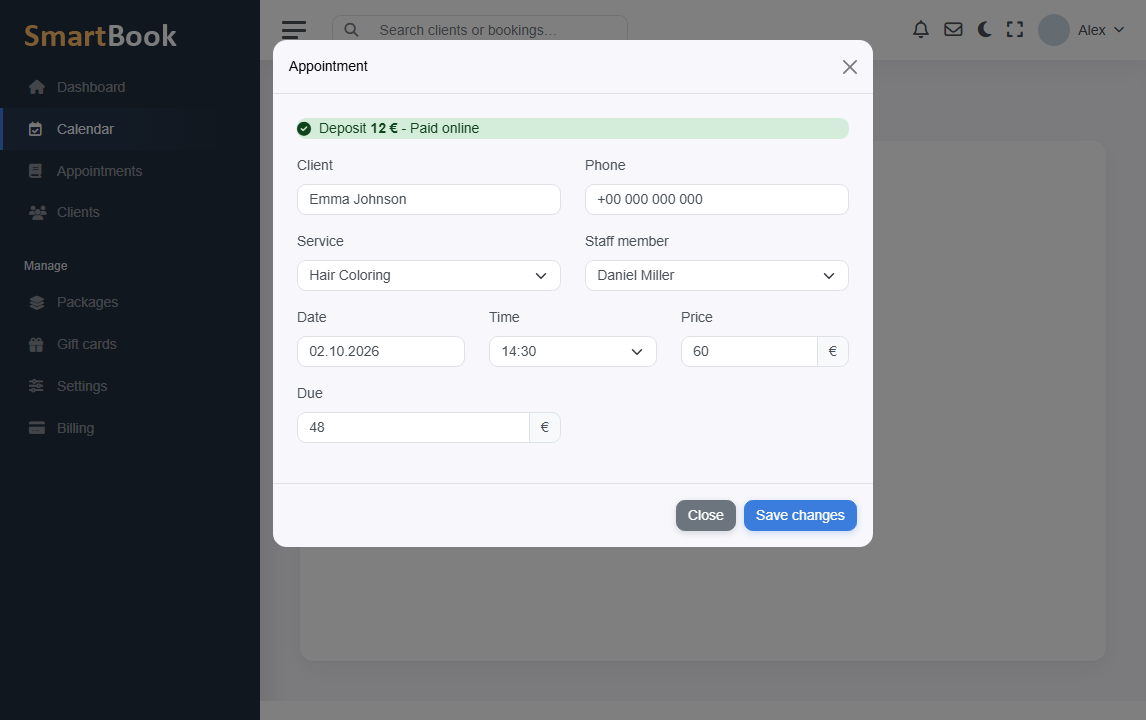
On the visit card it is clear whether the prepayment has been made or not. You do not need to match a payment statement to the calendar by hand. For the client it looks like a normal booking step, without a separate “bank personal account”.